
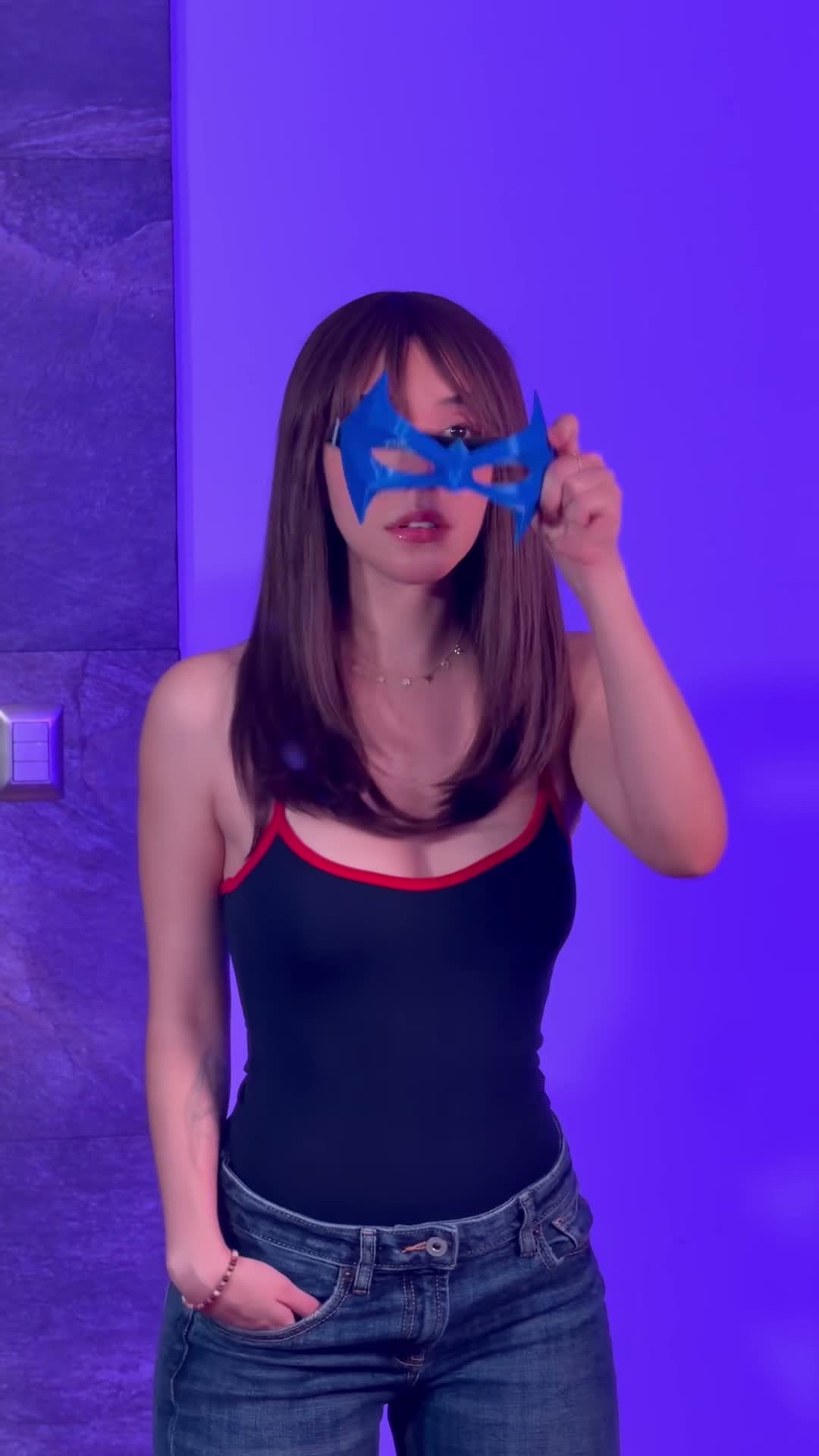
Beth Cast Nightwing
Beth Cast Nightwing
Turn a portrait, cosplay photo, or character into an 11-second Beth Cast Nightwing transformation video. Choose 480p or 720p and follow the motion reference.
Use this templateFind your next video
Explore photo-to-video templates, from playful pet memes to party dances. Watch a reference, choose your favorite, and create your own version from one photo.
About VidTrend Template Library
VidTrend's template library provides pre-choreographed photo-to-video motion references for viral short-form content. Creators can convert a single portrait or pet photo into 7 to 8-second vertical MP4s (480p Standard or 720p HD) matching trending TikTok memes and dances, with credit-based one-time rendering and no software installation required.
Turn a portrait, cosplay photo, or character into an 11-second Beth Cast Nightwing transformation video. Choose 480p or 720p and follow the motion reference.
Use this template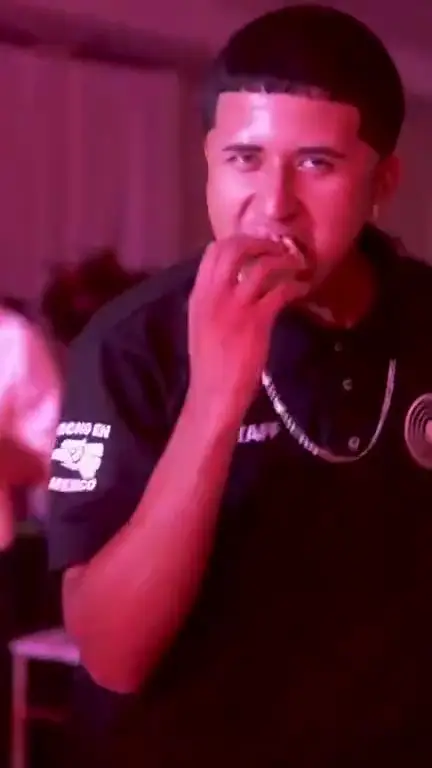
Turn a portrait, pet photo, or character into an 8-second Dime Dime Baby dance video. Choose 480p or 720p and follow the motion reference.
Use this template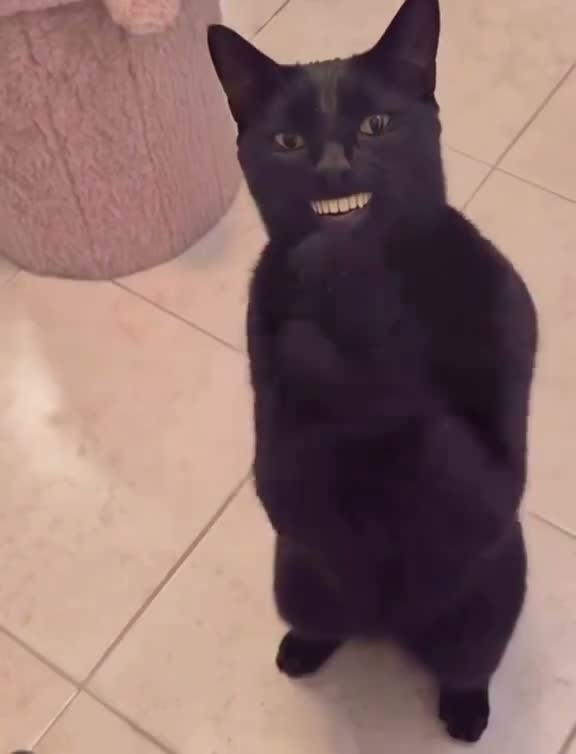
Turn your pet photo into the clapping cat meme. Create a 7-second vertical video with generated audio, in 480p or 720p.
Use this templateReview technical specifications, audio support, and credit costs across all available templates.
| Template | Duration | Aspect ratio | Audio | Resolution | Credits (Std / HD) | Best for |
|---|---|---|---|---|---|---|
| Beth Cast Nightwing | 11s | 9 / 16 | Silent (add your own sound) | 480p / 720p | 50 / 100 | Superhero transitions, mask cosplay, viral dances |
| Dime Dime Baby | 8s | 9 / 16 | Silent (add your own sound) | 480p / 720p | 50 / 100 | Party dances, concha bread meme, character animation |
| Black Cat Clapping | 7s | 576 / 754 | Generated sync audio | 480p / 720p | 50 / 100 | Pet memes, clapping loops, funny animals |
Choose a clear, well-lit photo with one pet’s face and upper body visible. JPEG, PNG or WebP, up to 10 MB.
Black Cat Clapping is ready to use. Choose 480p or 720p; the motion is already set up for you.
Sign in, check the credit cost, and create. Download your 7-second MP4 when it’s ready, then share it to your favorite app.
VidTrend currently offers Black Cat Clapping (a 7-second pet applause meme with synchronized audio) and Dime Dime Baby (an 8-second party dance meme). Each template converts a single uploaded image into a vertical 9:16 MP4 video.
You need one clear, well-lit photo in JPEG, PNG, or WebP format up to 10 MB. Front-facing pet photos or human portraits with clear upper bodies deliver the most stable motion results.
Generation typically finishes in 2 to 3 minutes depending on queue load. Once complete, you can preview and download the vertical MP4 directly in your browser or dashboard.
Generating a Standard (480p) video costs 50 credits, and an HD (720p) video costs 100 credits. Credits are purchased through one-time packs without recurring subscription commitments, and failed generations are automatically refunded.